Android Application

LanChat
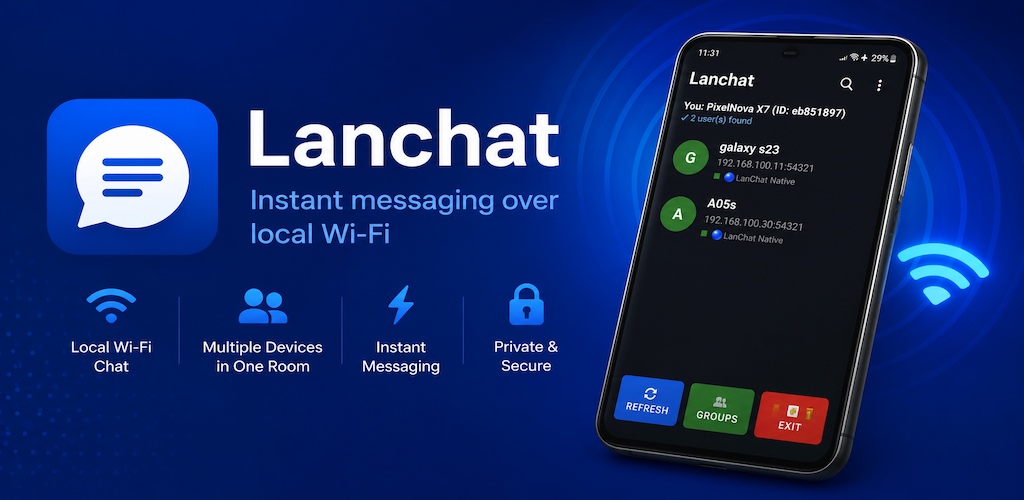
Instant messaging over local Wi-Fi. Chat with nearby devices on the same network — no internet connection required. Stay connected anytime, anywhere.
Instant messaging over local Wi-Fi. Chat with nearby devices on the same network — no internet connection required. Stay connected anytime, anywhere.
Everything you need for fast, private, and reliable local messaging
Connect multiple devices to the same Wi-Fi router or use one phone as a mobile hotspot. LanChat creates a local communication network instantly — no internet needed.
Works completely offline using your local network. No mobile data, no external servers, no cloud dependency. Perfect for areas with poor or no internet coverage.
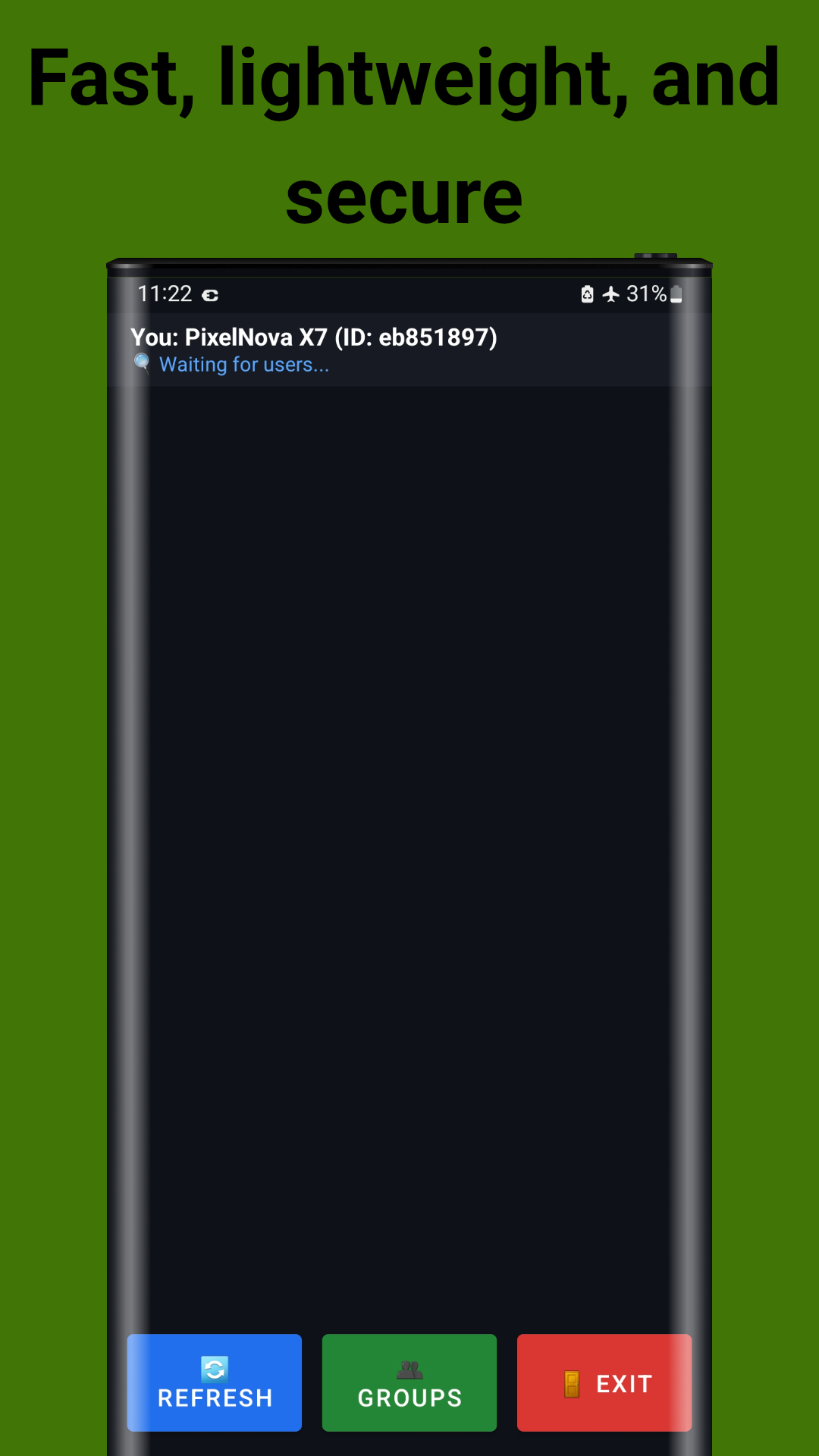
The app automatically scans and discovers all LanChat users connected to the same network. See device names and IP addresses in real-time with a single tap to refresh.
Messages are delivered instantly over your local Wi-Fi with minimal latency. Experience real-time chat speed comparable to popular messaging apps — but without the internet.
Enjoy one-to-one private conversations or create group chats for multiple participants. Perfect for family rooms, classrooms, offices, and team coordination.
Share photos, screenshots, and files directly within the chat. Images appear inline with sender info and timestamps for easy reference.
Your messages stay within your local network and are never stored on external servers. No accounts, no phone numbers, no tracking — just pure local communication.
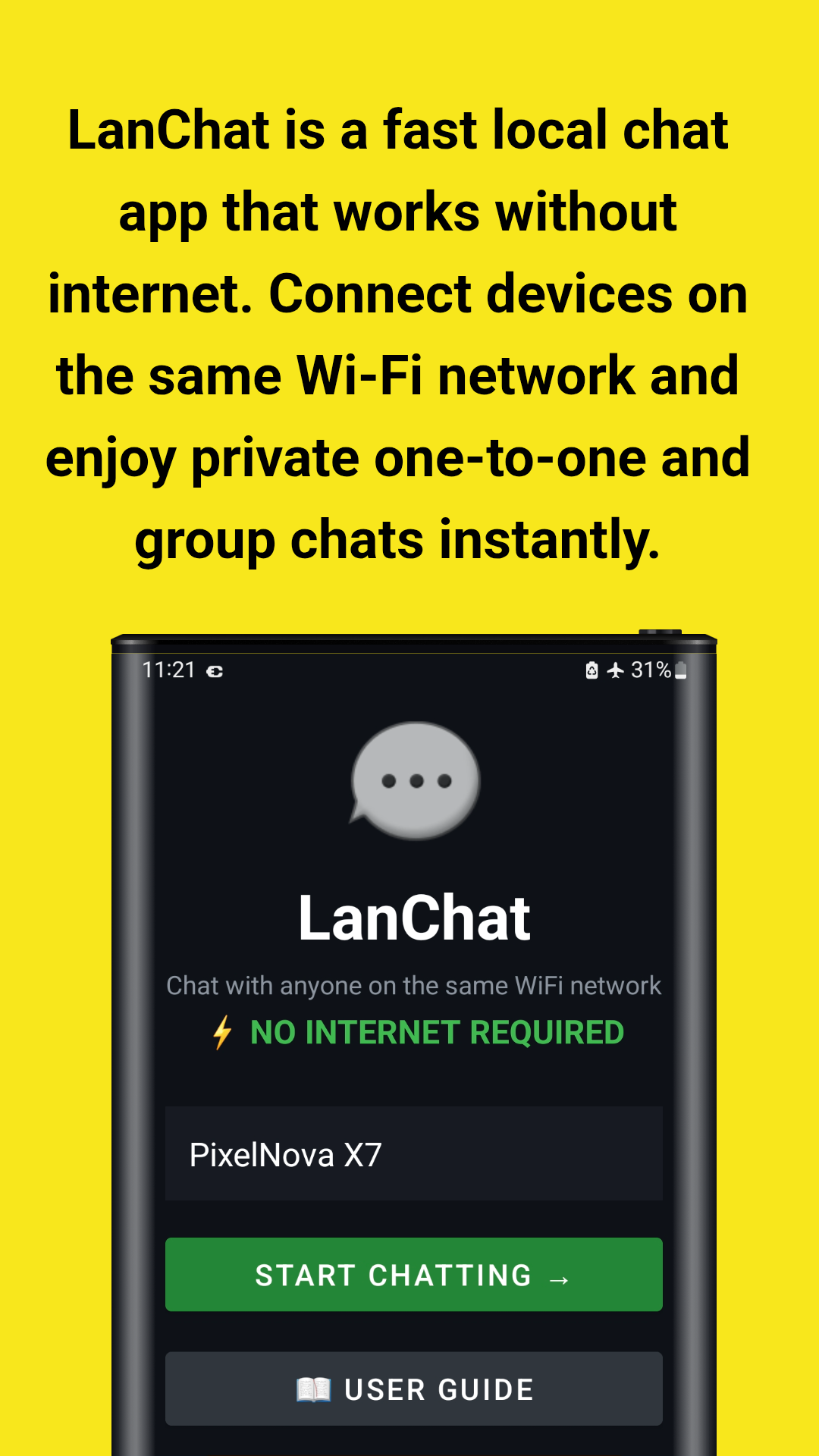
Clean, user-friendly interface designed for everyone. Minimal battery and resource usage. No unnecessary bloat — just open the app, enter your name, and start chatting.
Key advantages for homes, offices, classrooms, and beyond
Whether you're on a plane, in a remote area, at a camping site, or during a power outage — as long as devices share a Wi-Fi or hotspot, LanChat works. No SIM card or data plan needed.
Coordinate with your gaming squad, manage event teams, or organize classroom activities without relying on unstable internet connections or draining mobile data.
No cloud storage, no message logging, no third-party access. Your conversations exist only on the devices in your local network. Ideal for sensitive discussions and confidential work.
Connect as many Android devices as your Wi-Fi network supports. Everyone sees each other in the user list and can join group chats instantly with no setup complexity.
Teachers can create group chats for classroom discussions, share files with students, and facilitate collaborative learning — all without needing school internet access.
Developed by John Irianto Susanto. The app is available on GitHub for transparency. Clean interface with no unnecessary bloatware — just pure messaging focus.
See the app in action — elegant interface, powerful messaging tools
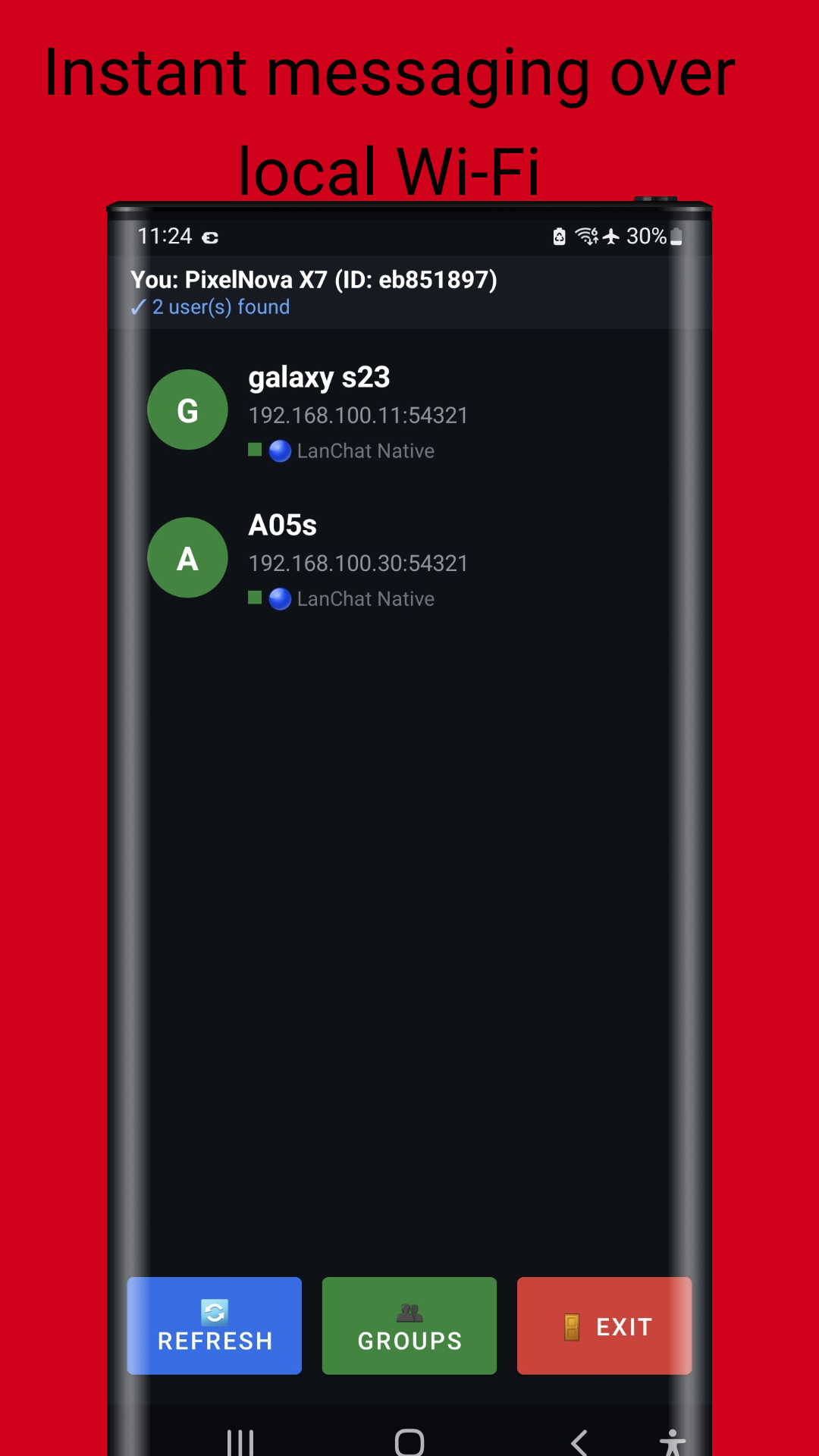
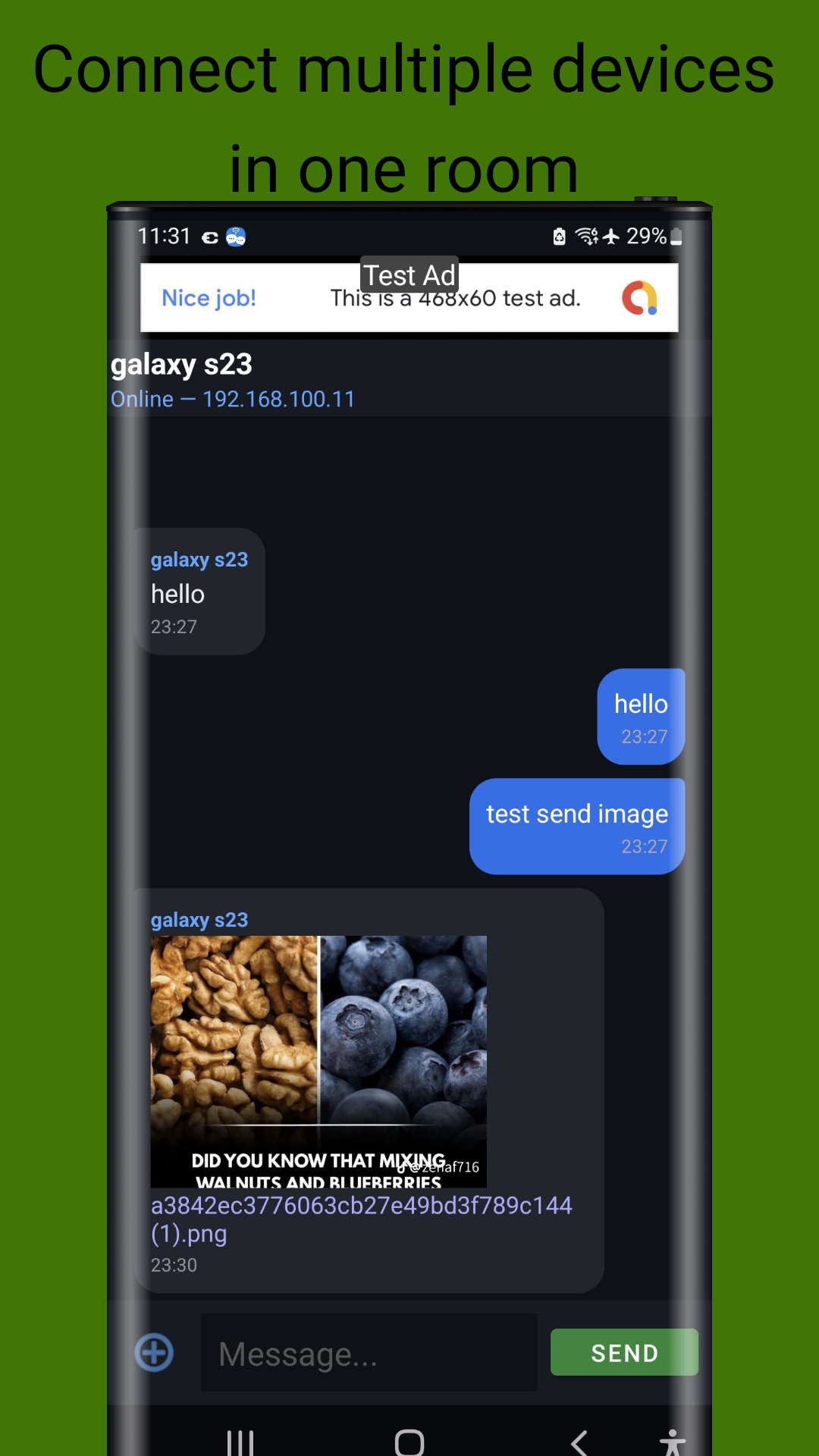
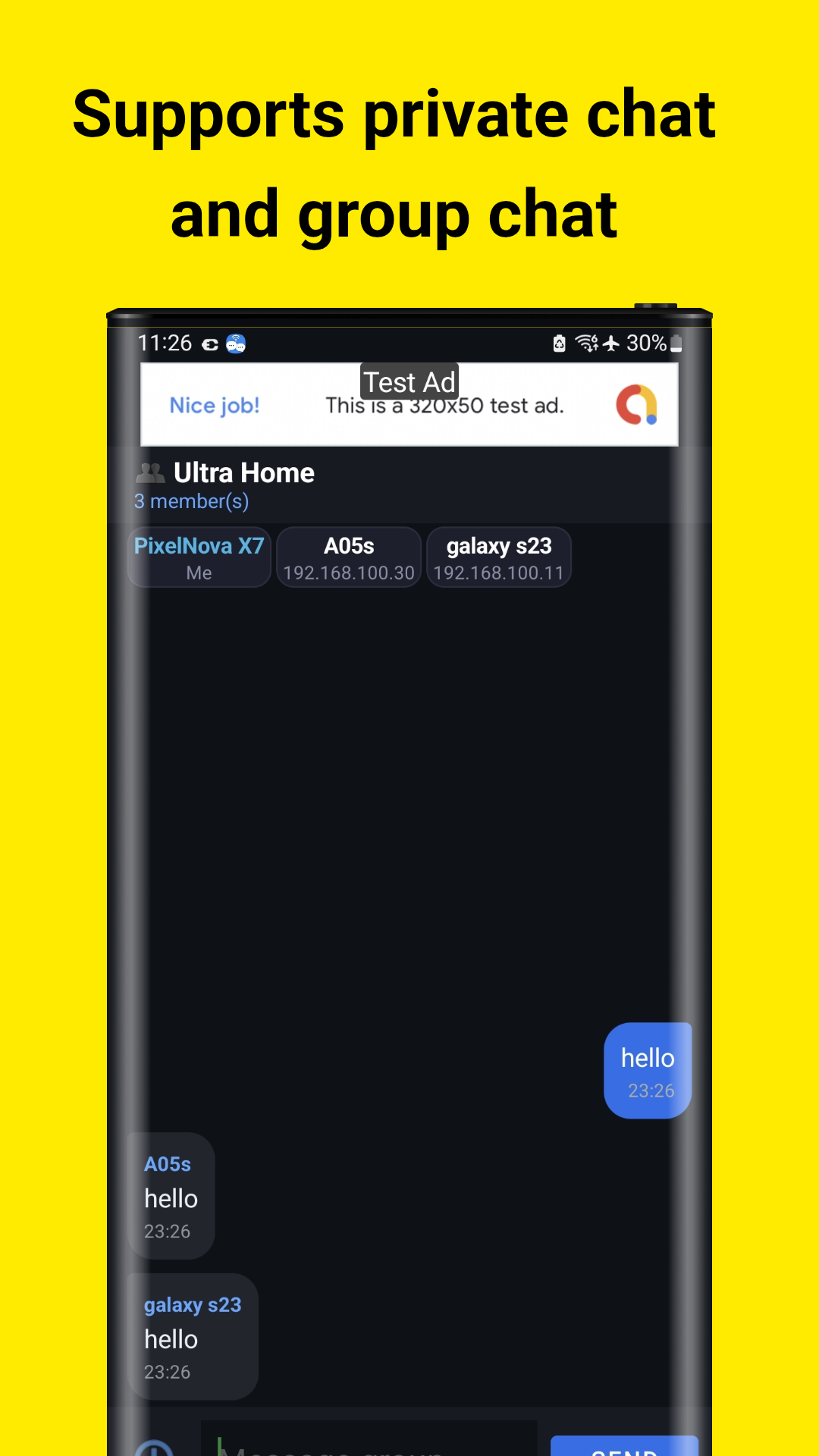
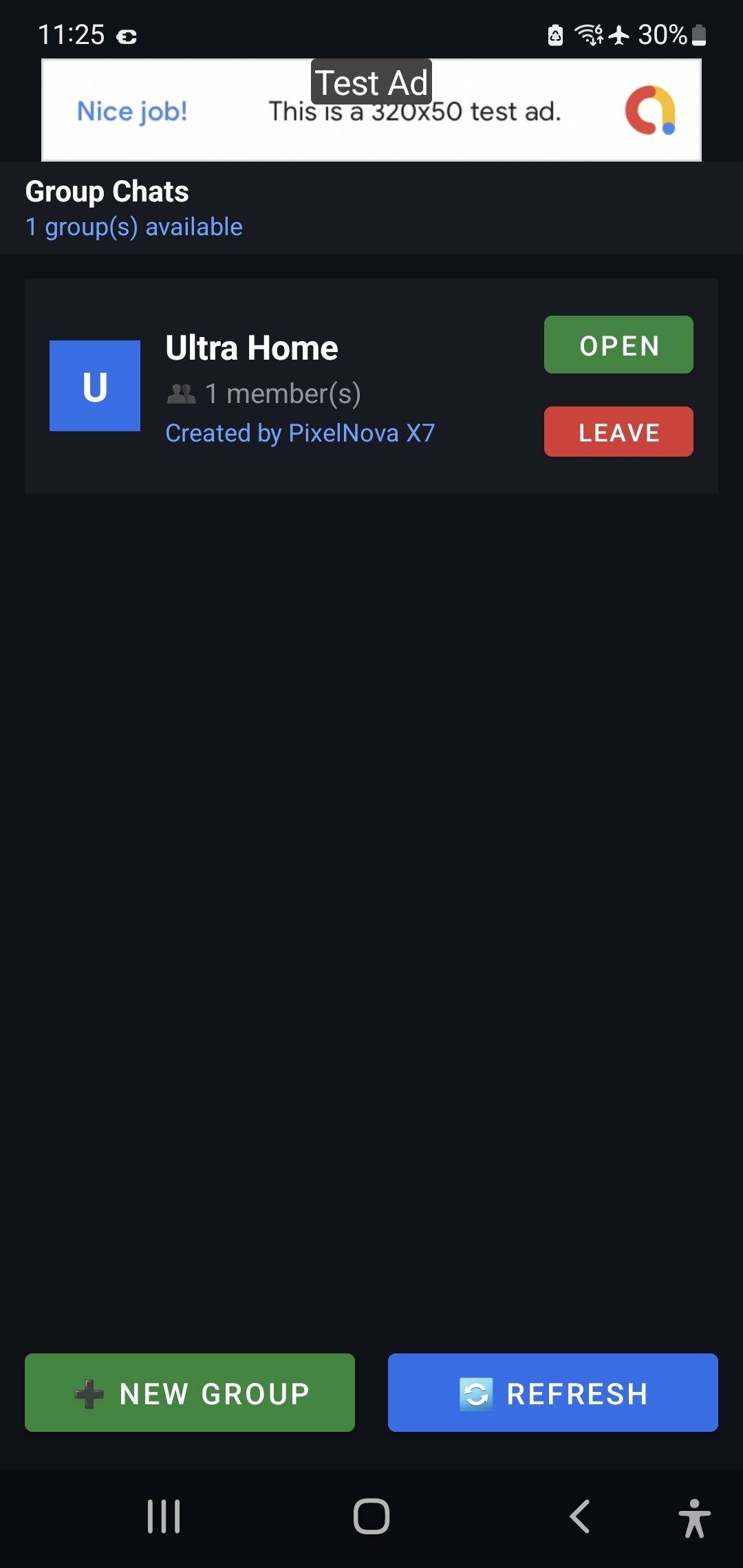
Screenshots taken on Samsung Galaxy S23 Ultra
Your data stays on your device — always.
None collected by developer.
Local network only
No account needed.
Local device only.
LanChat does not collect, store, or share any personal information. All messages and data remain locally on your device. Communication happens directly between devices on your local Wi-Fi network.
The app only uses network permissions to discover and communicate with nearby devices. No external servers, no cloud storage, no tracking.
For full details, read the complete Privacy Policy →
Step-by-step instructions to start chatting instantly
Download LanChat from Google Play Store or GitHub. Install and open the app. On the welcome screen:
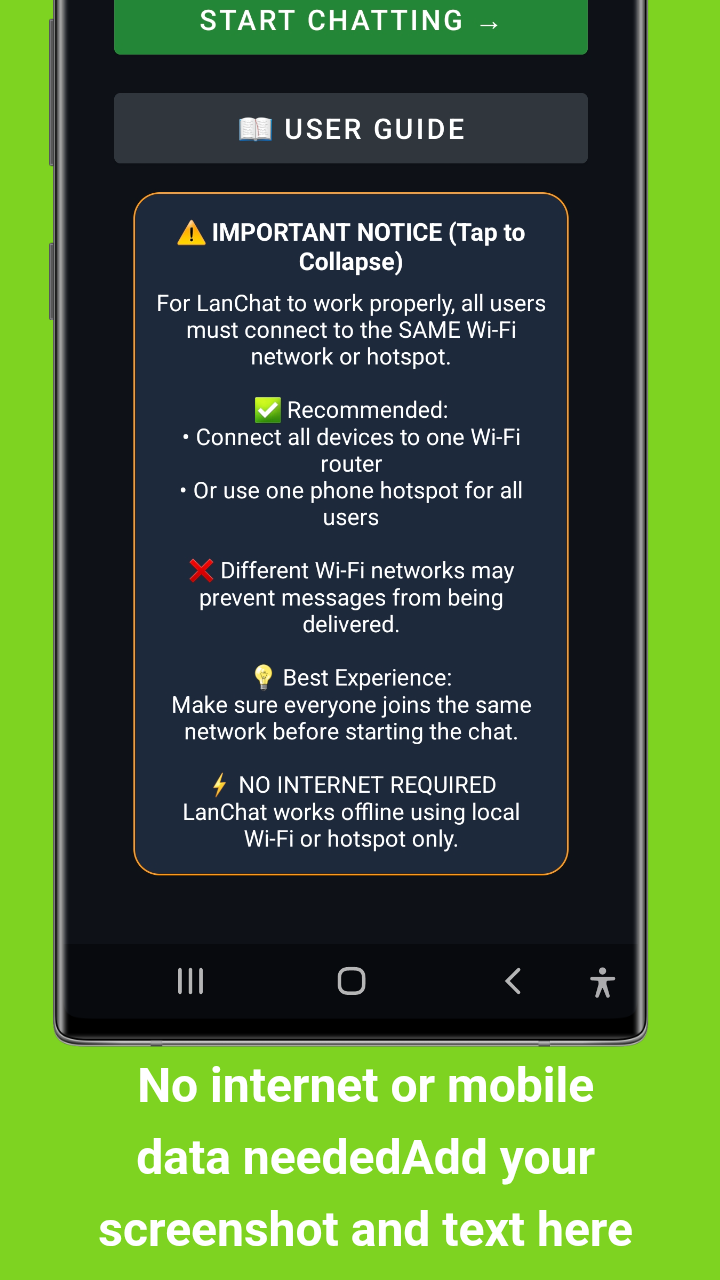
For LanChat to work properly, all users must connect to the SAME Wi-Fi network or hotspot:
Tip: Make sure everyone joins the same network before starting the chat for the best experience.
On the main screen, LanChat will automatically scan for other users:
Tap on any discovered user to start a one-to-one conversation:
Note: Images sent will be displayed inline in the chat thread.
Tap GROUPS to access the group chat feature:
Get the most out of LanChat with these recommendations:
Available for free on Google Play Store and GitHub. Start chatting with your local network today.
Developed with by John Irianto Susanto